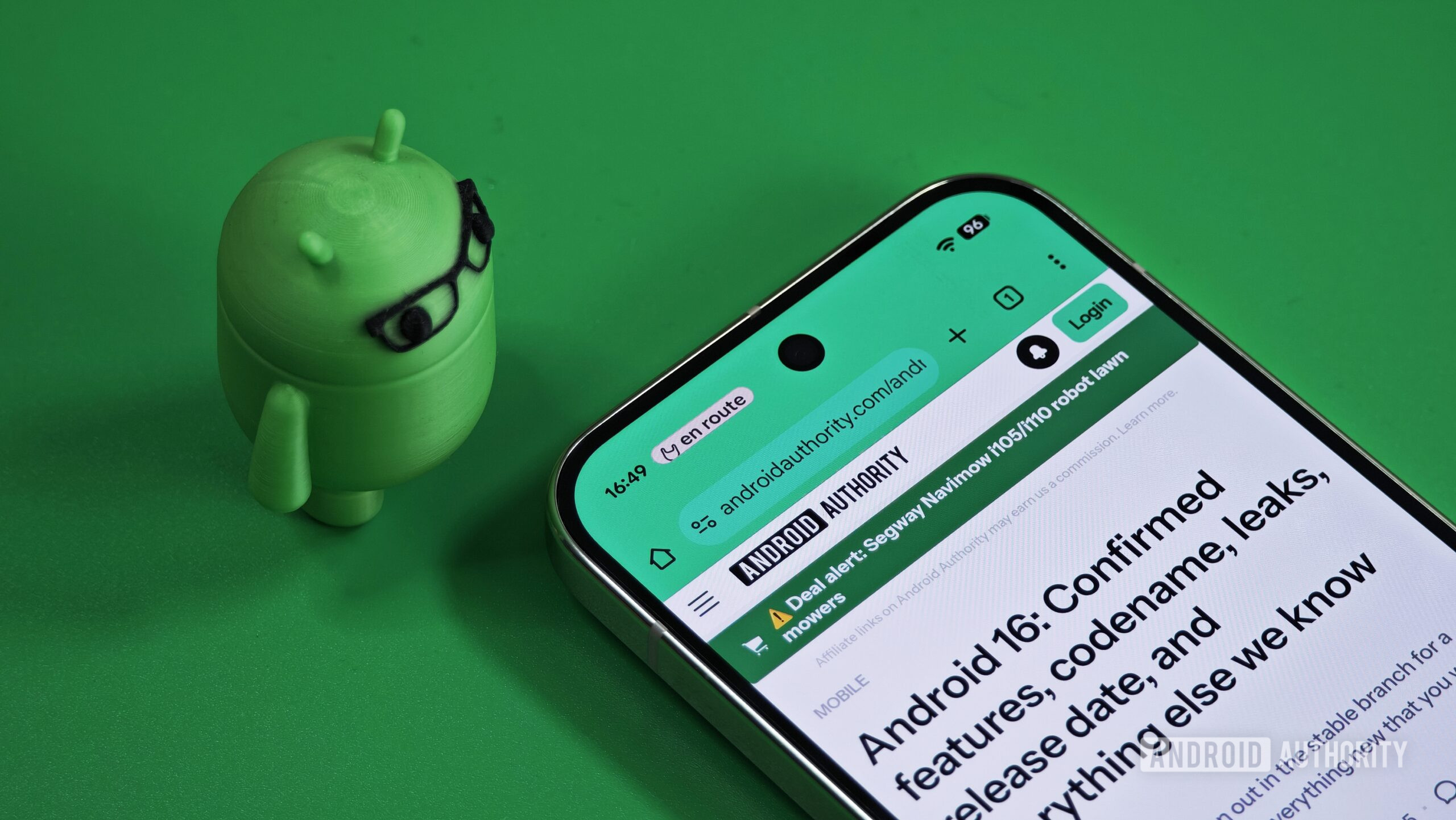
Yes, If you’re using a Pixel phone — from Pixel 6 all the way up to Pixel 10 — the Android 16 QPR2 update is now rolling out to you. This update gives your phone fresh customisation options, improved visuals and display tweaks, better security, and new productivity-oriented tools — all part of a major upgrade to make Android feel smoother, smarter, and more secure.
Android 16 QPR2 Update Lands for Pixel Phones
What’s happening: Android 16 QPR2 update — Immediately useful upgrades
Android 16 QPR2 is now officially out of beta and being released as a stable update (with the December 2025 security patch) for a broad set of Pixel devices. If your Pixel is from the Pixel 6 series or newer (including Pixel Fold, Pixel Tablet, and up to Pixel 10), you’re covered.
With this update, you get more customisation — like changing app icon shapes — plus display tweaks, improved dark mode behavior, enhanced privacy and security features, better system performance, and broader support for peripherals (like mice or touchpads on tablets).
If you were wondering whether to install it — yes, it’s designed for everyday users and adds real improvements to usability, design, and security without waiting for developers or power users.
Which Pixel devices are eligible
The update supports a wide range of Pixel devices, namely:
-
Pixel 6, Pixel 6 Pro, Pixel 6a
-
Pixel 7, Pixel 7 Pro, Pixel 7a
-
Pixel 8, Pixel 8 Pro, Pixel 8a
-
Pixel Fold, Pixel Tablet
-
Pixel 9, Pixel 9 Pro, Pixel 9 Pro XL, Pixel 9 Pro Fold, Pixel 9a
-
Pixel 10, Pixel 10 Pro, Pixel 10 Pro XL, Pixel 10 Pro Fold
Google is rolling it out gradually — different regions may receive the update at slightly different times — so if you don’t see it yet, keep checking Settings → System → Software Updates.
Read More: Vivo X300 Pro review: Compact size, flagship power — Is this phone the real deal?
What’s New in Android 16 QPR2: Visuals, Privacy Productivity & More
Custom icon shapes & improved UI polish
-
You can now choose new shapes for home-screen icons: besides the usual circle, there are square, “four-sided cookie,” “seven-sided cookie,” and “arch” shapes.
-
When you long-press an app icon, you get quick shortcuts — like “Remove” or a plus button to add a shortcut — making home-screen organization easier.
-
The overall look and feel gets smoother: expect more consistent “themed icons,” refinements across Settings menus, improved colour dynamics in the launcher and UI, and generally more polished visuals.
Dark theme gets smarter, display & brightness options improved
-
An “Expanded dark theme” mode darkens many light-based apps — even those which previously didn’t offer a dark mode — making reading and using apps at night easier on the eyes.
-
Enhanced HDR brightness control gives you a slider (Dimmer ↔ Brighter) for better screen tuning.
Smarter notifications & productivity helpers
-
A new “Notification Organizer” uses on-device AI to sort alerts into categories (Promotions, News, Social, Suggested), helping you declutter and focus only on what matters. Default categories are Promotions and News; you can enable others manually.
-
For messaging apps and chat threads — long conversations can now be summarised via “AI-powered notification summaries,” making it easier to catch up without wading through manual scrolls.
Privacy, security and system-level protections
-
“Secure Lock Device” is a new security option: when enabled (manually or remotely via Find My Device), the device locks immediately, hides lock-screen notifications and may disable biometric unlock until you enter a PIN/pattern/password. Useful if your phone is lost or stolen.
-
SMS OTP Protection: messages containing an SMS-retriever hash (used for one-time passwords) are delayed before delivery — helping protect against OTP hijacking.
Performance, connectivity, media & power improvements
-
The underlying runtime (ART) gets a “Generational Concurrent Mark-Compact (CMC)” garbage collector — this focuses on cleaning newly allocated objects, reducing CPU load and improving battery efficiency over time.
-
Improved media and audio standards: software decoding support for new spatial-audio format (IAMF), plus better audio-sharing via Bluetooth LE Audio integrated into system output switcher.
-
For those using external devices (like touchpads, mice — especially on tablets or foldables), support is enhanced: more customizable gestures, better mouse/touchpad behavior, improved accessibility and better support for external displays.
Parental controls and wellness tools beyond just tech
-
Parental controls have been separated from Digital Wellbeing — now you get a dedicated section to manage screen time, schedule downtime, limit or block apps, and even add bonus time if needed. All this secured via PIN.
-
On some devices, the built-in sensors + health features (via Health Connect) can now directly track steps — no separate fitness app required.
From Beta to Stable- What Changed in Android 16 QPR2
Before today’s stable rollout, QPR2 went through multiple beta stages (Beta 2, Beta 3, etc.) exploring features and ironing out bugs.
During the beta period, testers saw early versions of custom icon shapes, SMS OTP protection, better garbage collection, and support for step-counting. As the update matured, stability improved and many earlier bugs — like media-controls glitches, UI lag, or lock-screen issues — were resolved.
With the stable release now live, Pixel users no longer need to be in any beta program; the update comes as an Over-the-Air (OTA) rollout.
Why Android 16 QPR2 Matters & Not Just Another Update
-
More frequent updates: The arrival of QPR2 reflects a shift by Google — smaller, more frequent feature releases rather than the old once-a-year model. This helps bring improvements faster and keeps Android evolving steadily.
-
Balance of aesthetics, performance, and security: With customisation (icons, dark mode), performance (garbage collection, battery efficiency), and strong security upgrades (Secure Lock, OTP protection), this update touches many core aspects of phone use.
-
Better for diverse users: Whether you’re a teen, a parent, a professional, or someone who loves tinkering — new parental controls, productivity tools, customization, accessibility and peripheral support make Android more flexible.
Frequently Asked Questions (FAQs)
Q: Which Pixel models can get Android 16 QPR2?
A: Pixel devices from Pixel 6 series onward are supported — including Pixel 6 / 6a / 6 Pro; 7 / 7a / 7 Pro; 8 / 8a / 8 Pro; Pixel Fold, Pixel Tablet; 9 / 9 Pro / 9 Pro XL / 9 Pro Fold / 9a; and the entire Pixel 10 family (10, 10 Pro, 10 Pro XL, 10 Pro Fold).
Q: How do I get Android 16 QPR2 on my Pixel?
A: Go to Settings → System → Software updates → Check for updates. Google is rolling it out gradually, so it may take some time depending on your region or carrier.
Q: What are the most visible changes I’ll notice right away?
A: New custom icon shapes, a smoother user interface, better theming (themed icons, Dynamic Colour improvements), an upgraded dark mode that works even for apps without native support, and tidier notification handling via the new Notification Organizer.
Q: Are there any security improvements in this update?
A: Yes — new features like Secure Lock Device (stronger lock-screen security), improved SMS OTP protection to prevent OTP hijacking, and under-the-hood performance/security enhancements via the updated runtime (garbage collection improvements) are part of Android 16 QPR2.
Q: Should I update immediately or wait?
A: For most users, updating right away is worth it — benefits like improved security, UI enhancements, and better stability make this update a safe bet. Unless you rely on very niche apps or workflows, there’s little downside.
Final Thoughts
Android 16 QPR2 is more than a minor patch — it represents a clear push by Google toward smarter, faster, and more flexible Android. With meaningful UI improvements, better security, refined performance, and thoughtful new features, it’s a strong reason to update your Pixel phone as soon as you see the notification.