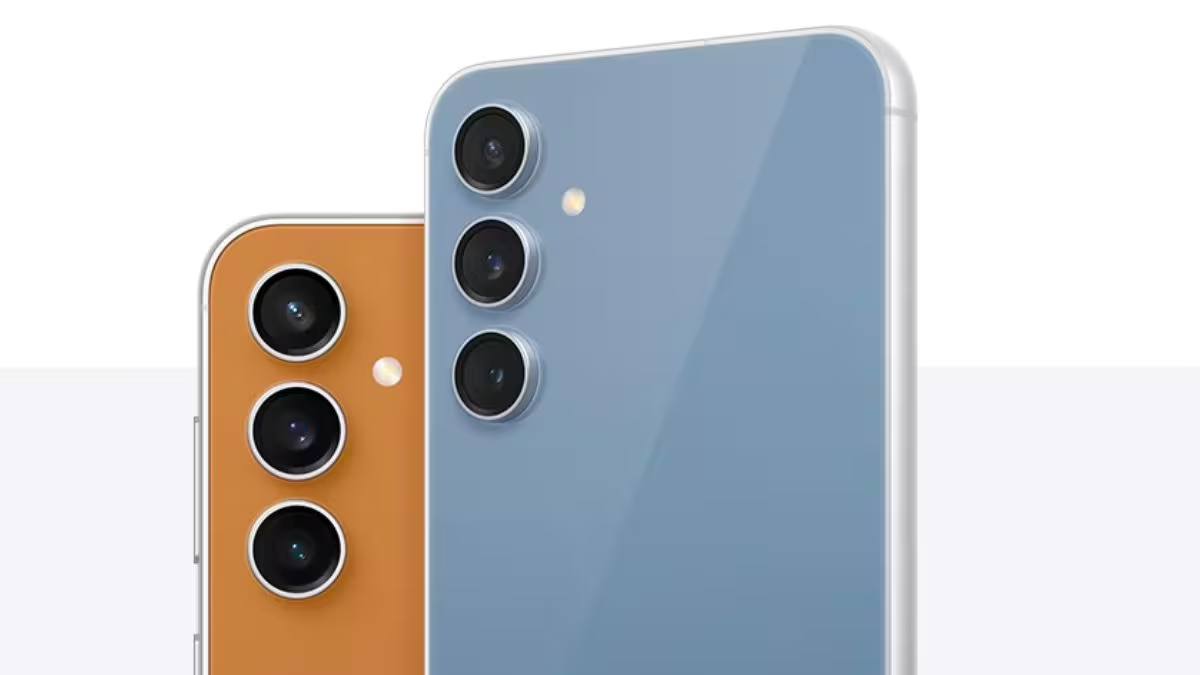
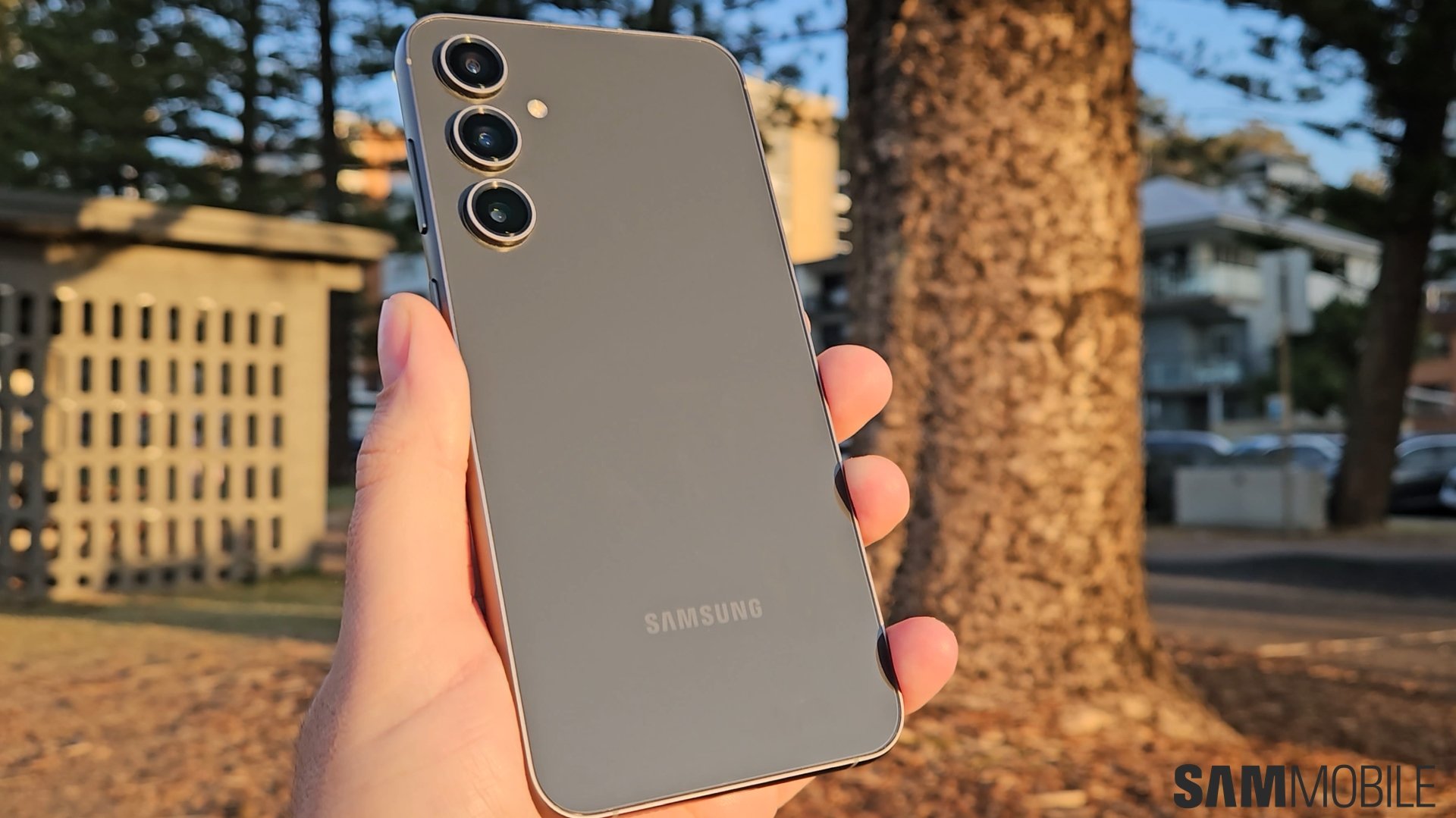
If you’ve got a Samsung Galaxy S23 FE (or any device in the S23 line), get hyped — Samsung is pushing out the stable Android 16 update with One UI 8, and it’s now crossing borders beyond Korea. What was once local is now going global, and yes, this update brings more than just version numbers. Read on — friends don’t let friends miss big OS updates.
Samsung Galaxy S23 FE: What’s Going Down
-
Who: Samsung, for its Galaxy S23 series (S23, S23+, S23 Ultra) and related devices.
-
What: The stable version of One UI 8 (built on Android 16) is rolling out.
-
When: The update began in Korea and has now reached international markets (late September / early October 2025).
-
Where: Across Asia, Europe, Africa — multiple countries beyond Korea are reporting it.
This isn’t some rumor — users in countries like France, Germany, Malaysia, Spain, Turkey, and more are already seeing the download hit their phones. The firmware variant for S23 Ultra clocks around 3.3 GB. Others (S23, S23+) might see slightly smaller file sizes.
What’s in One UI 8 (Android 16): What You’ll Feel & Use
Version numbers are just a start — this update pulls in meaningful enhancements. Here’s what you should expect:
1. Smarter & Deeper Galaxy AI integration
Samsung’s pushing its AI features further. Expect things like smarter suggestions, better context awareness, and features that feel like the phone reads your mind (in a good way).
2. Improved security & tight privacy
Newer encryption, more robust protection for apps and data, and tighter checks for vulnerabilities. This update carries the September 2025 security patch as well, so bugs and exploits from earlier builds get patched.
3. UI & usability cleanups
Tweaks in the interface — uncluttered visuals, smoother transitions, redesigned media & settings panels. Secure Folder, Quick Share, and browser functions get fresh polish.
4. DeX & multitasking plus refinements
If you use Samsung DeX (desktop mode), expect better stability and performance. Multitasking across apps feels more fluid. Also, things like split-screen, pop-up windows, and cross-device workflows get some love.
In short: everything feels more mature, stable, and ready for daily use.
What’s New for Galaxy S23 FE Users
Yes, I’m repeating this because it matters: the Samsung Galaxy S23 FE is in the update path. Though initial rollout started with S23 variants, sources point to the S23 FE seeing One UI 8 soon (quite possibly already in some regions). If you’ve got an S23 FE, check your software update section — you might get lucky and see it show up.
Regional Rollout: Who’s Seeing It Already
Here’s a quick taste of where it’s live:
-
Europe: Germany, France, Spain
-
Asia: Malaysia, portions of Southeast Asia
-
Africa & Middle East: some reports from Egypt, Turkey
-
Other territories: rolling out gradually
Because it’s a staged release, it won’t hit all regions at once. If you don’t see it today, check again in a few days or weeks. The firmware build for Ultra is around 3.3 GB — others are slightly lighter.
How to Check & Install: A Quick Guide (Friendly Walkthrough)
-
Open Settings on your Galaxy.
-
Scroll to Software update.
-
Tap Download and install.
-
If the update shows up, let it download.
-
Tap Install now when ready, and the phone will reboot automatically.
Pro tip: Make sure your battery is above 50% and you’re connected to Wi-Fi. (You don’t want it dying mid-update.)
What this Update Means for You (Let’s Get Real)
-
Longevity: With One UI 8 / Android 16, your S23 / S23 FE / Ultra stays relevant longer.
-
Performance: Expect smoother animations, fewer glitches, and better app behavior.
-
Security boost: You’re safer from known vulnerabilities thanks to the September patch.
-
Features unlocked: Some of the coolest parts of Samsung’s vision for smart, assistive tech become usable.
If your phone wasn’t feeling quite “fresh” lately, this brings new life. It’s not just a version jump — it’s a polish session.
Why Samsung Is Dropping It Early (And Why It Matters)
Samsung originally planned this update more conservatively, but decided to accelerate it. Why?
-
They want to push AI features faster.
-
Customer expectation is rising — nobody wants to wait months.
-
It helps maintain trust: giving users tangible updates is part of staying relevant.
By rolling out first in Korea, they iron out bugs before mass deployment. The fact that it’s already in places like Europe shows confidence in its stability.
Things to Keep in Mind (Because We Know Phones are Tricky)
-
It’s not guaranteed everywhere immediately — regional delays are normal.
-
Some phones might get a small incremental update (if they were in a beta) rather than full 3.3 GB.
-
Always backup your important data before a big update — just in case something goes sideways.
-
Some features might be region-locked or rolled out later.
Final Thoughts (From Me to You)
If you own a Samsung Galaxy S23 FE or any S23 series, this is the update you’ve been waiting for. It’s not just another version bump — it feels substantial, stable, and meaningful. Once your phone shows the update screen, don’t hesitate. It’s worth the download.
Let me know when your phone gets it — I’m happy to help you with post-update tips, settings to check, or how to make the AI features useful. We’ll ride this update together.